- Weddings
- Guest photos
- QR code
How to Collect Every Guest Photo at Your Wedding
By the Inbitado team4 min read
On this page
At most weddings, some of the best photos are not from the photographer. They are on your guests' phones: your titas mid-dance, your barkada pulling faces at the table, the quiet moment your lolo wiped his eyes. The hard part is getting them back, after the party, without chasing forty people.
This guide covers why those photos get lost, five ways to collect them, and how to make the one that works best run smoothly on the day.
Why guest photos get lost
- They are spread over dozens of phones. No one person has the full set, and nobody remembers to send theirs.
- Chat apps shrink them. Messenger and Viber usually compress photos and videos to save data, so what reaches you is smaller than what was taken.
- Videos are the first to go. They are large, so they get skipped, trimmed or sent in pieces.
- The moment passes. The day after the wedding, everyone is tired and busy. The best time to ask is while the party is still happening.
Five ways to collect guest photos
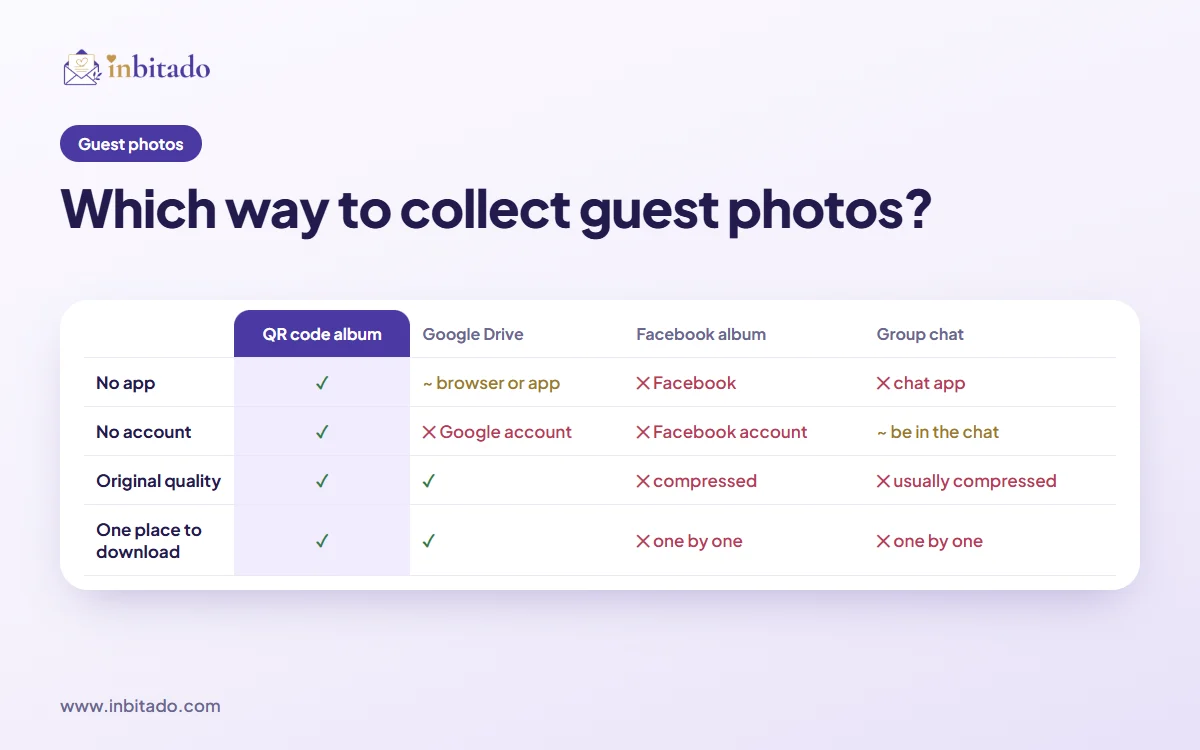
| Method | What works | What to watch out for |
|---|---|---|
| A wedding hashtag | Easy to announce, no setup | Only public posts show up, stories disappear, and quality is reduced |
| A group chat | Everyone already has it | Photos are compressed, the chat gets buried, and videos are painful |
| A shared drive folder | Originals are kept | Guests may need an account, sharing settings confuse people, and one person ends up as the organizer |
| A photo-sharing app | Built for the job | Many ask every guest to install something first |
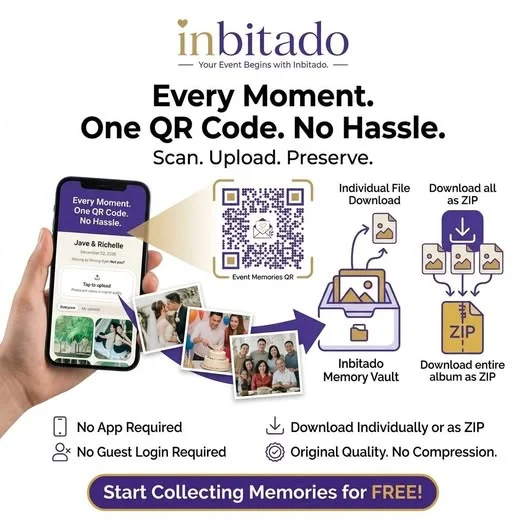
| A QR code to one shared album | Guests scan and upload from the phone browser, with no app to install | You need to display the code where guests will see it |
For most weddings, the QR code album is the least effort for guests, and that is what decides whether people actually upload. Anything that asks for an app or an account loses a lot of your older relatives and your busiest friends.
Make the QR code work on the day
A QR code only helps if guests notice it. Plan where it will be seen:
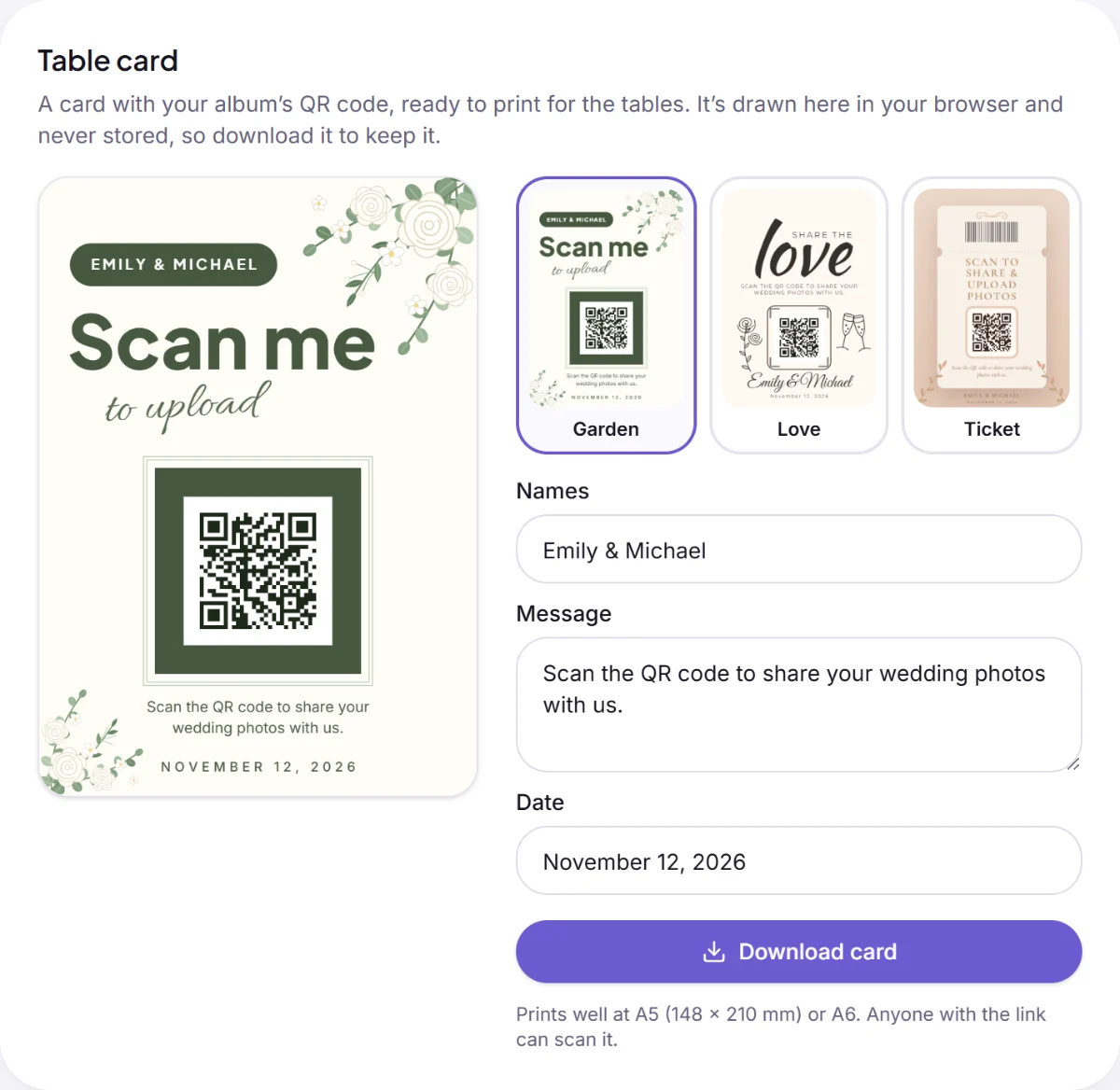
- Put it on every table. A small table card with a short line such as "Scan to share your photos and videos with the couple" works well. Keep the code dark on a light background and leave a clear margin around it.
- Add it to the program or menu. Guests read these, usually more than once.
- Have the emcee mention it twice. Once at the start of the reception and once later, when people are relaxed and taking photos. Say what to do in three words: scan, tap, upload.
- Show it on a screen. If there is a slideshow or a welcome screen, put the code on it for a few seconds.
- Test it first. Scan it with an iPhone and an Android phone, in the venue's lighting, from the distance a guest would hold the phone.
- Share the link too. Put it in your family group chat for anyone who cannot scan.
After the party
- Send a reminder one or two days later. Many guests take photos late and upload them the next morning.
- Download the originals and keep a copy in two places, such as your computer and a cloud drive.
- Share the best ones back with your guests as a thank-you. It also encourages the late uploaders.
Where Inbitado fits
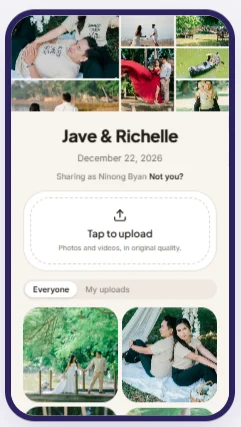
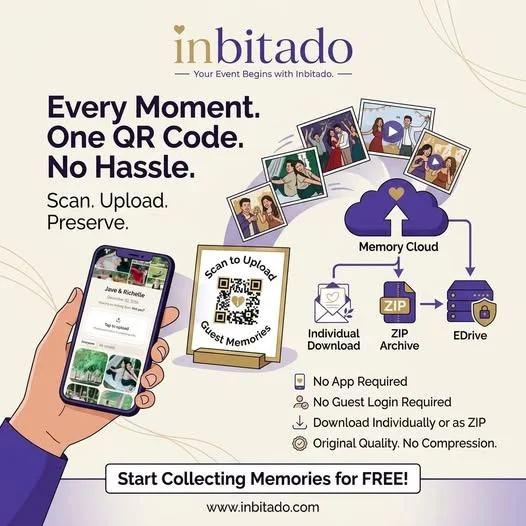
Inbitado gives each event one QR code and a gallery that guests upload to straight from their phone's browser, with no app and no account. Photos and videos are kept in their original quality, you can print a ready-made table card with your QR code, and you can download everything whenever you like.
You can read more on the guest photo sharing page, or start free and try it at your next event.